
Hotel Lobby
Bulin 47 AI Video Generator
Create a Bulin 47 freestyle AI video from one photo. Our AI rap video generator uses the Bulin47 AI template to put you or a friend in the lead role of a Bulin 47 rap AI video.
Bulin 47
Burning Bridges
Add your photo
Aspect ratio
Already have an account?
Powered by MiniMax H3
 Seedance
 Kling
 Wan3
MiniMax H3KlingPreview a Bulin 47 AI Video
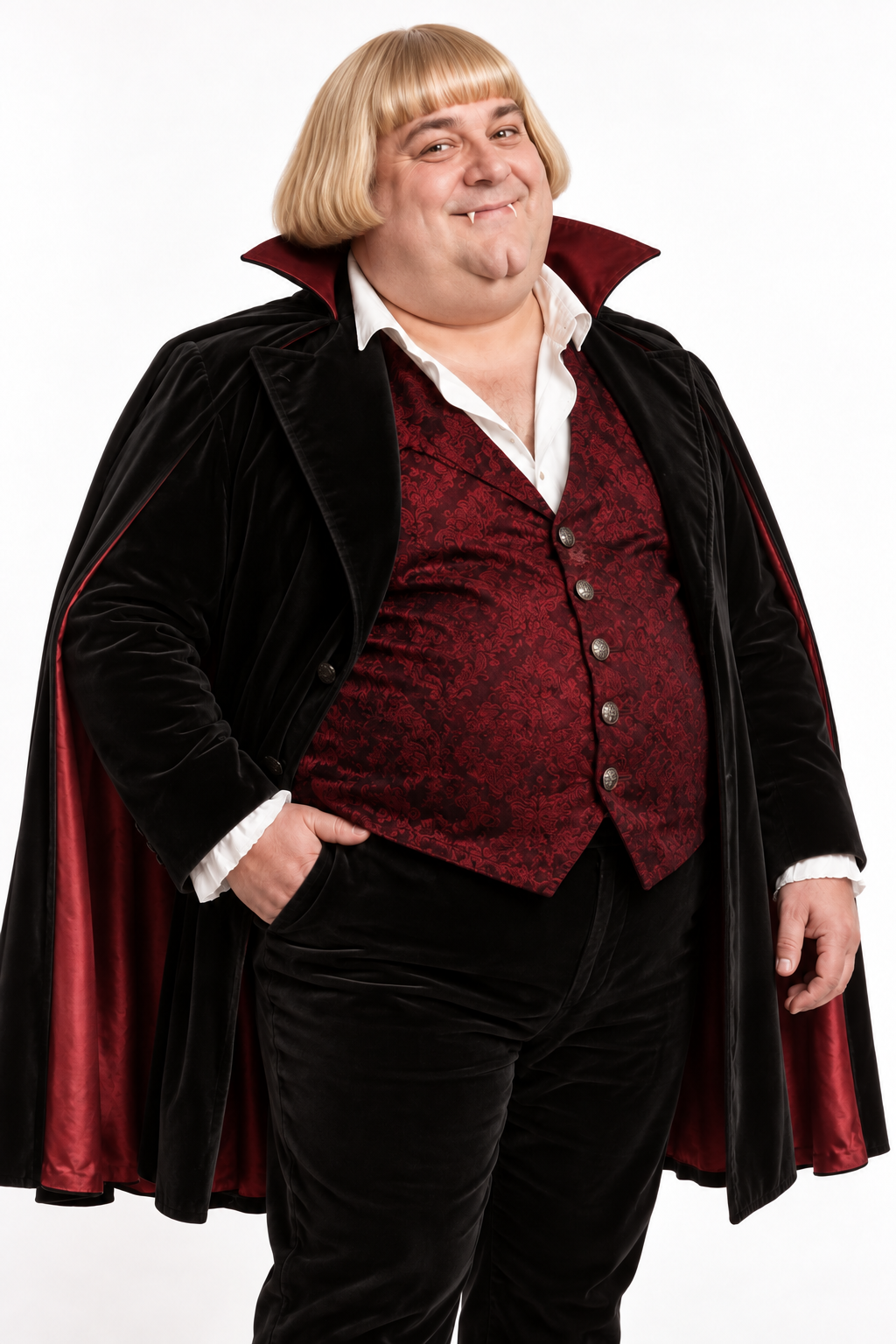
Watch the Bulin 47 freestyle AI video alongside its reference photo to see how the person appears as the central performer.
How to Use the Bulin 47 AI Video Generator
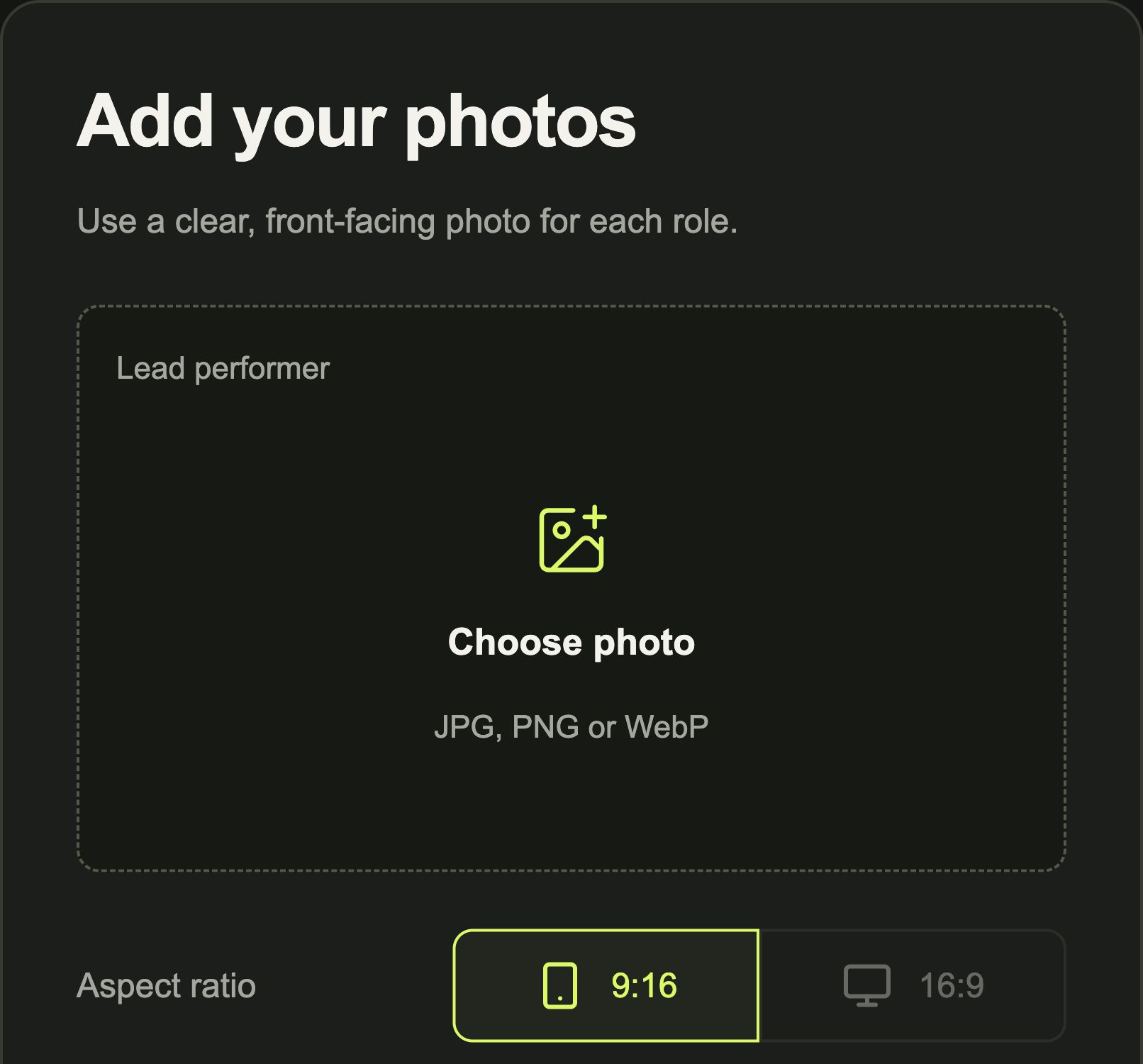 01
Upload Your Photo
To make Bulin 47 with your photo, upload a clear, front-facing image to the Lead performer slot.
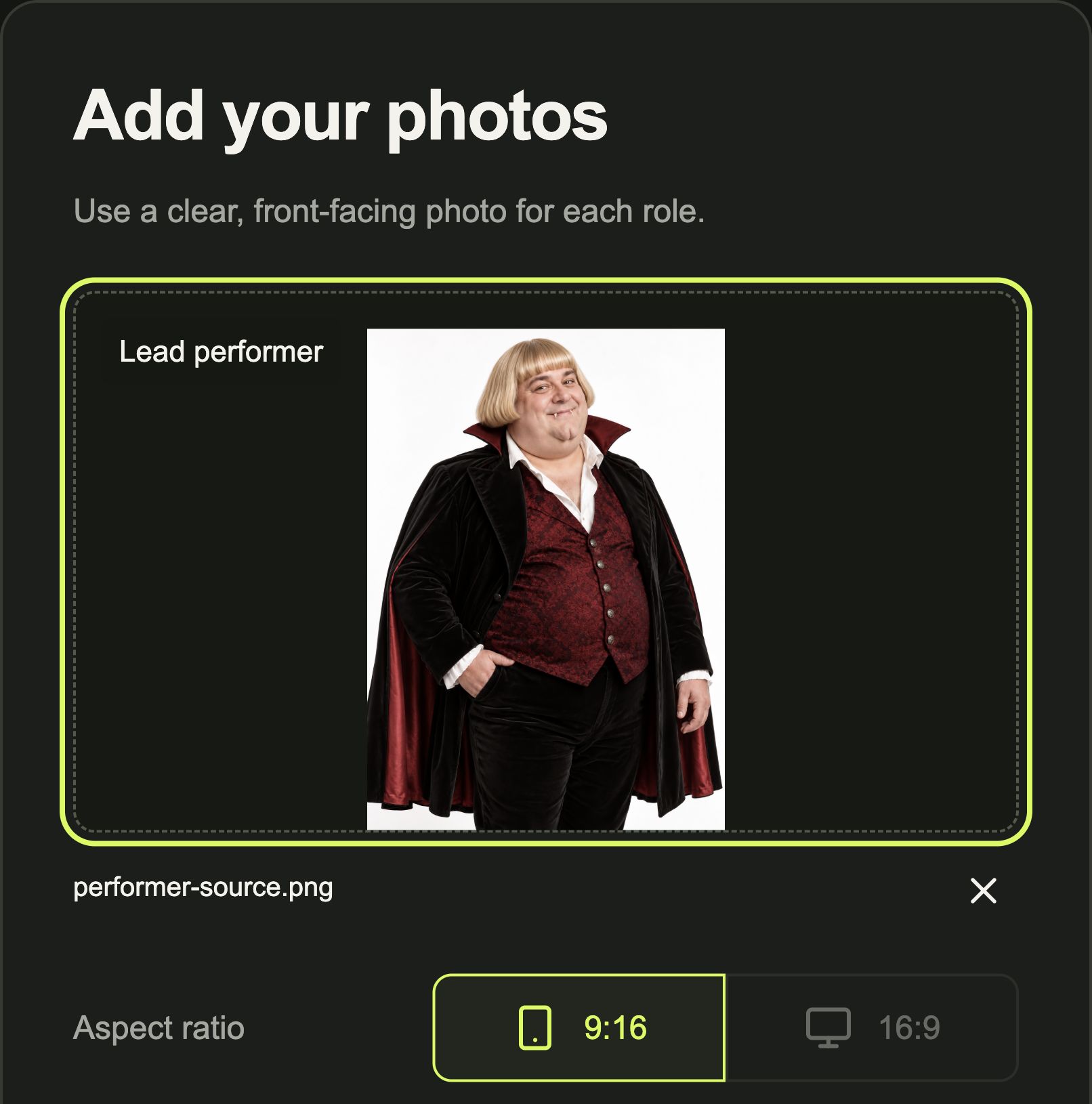 02
Check the Bulin47 AI Template
Check that the photo preview shows the person you want to use. This template replaces one central performer and supports 9:16 video only.
- 03
Generate and Download Your Video
Sign in and check the credit cost shown in the Bulin 47 AI video generator. Generate your clip, then preview and download it when it is ready.
Bulin 47 AI Video Generator Questions, Answered
Is the Bulin 47 AI Video Generator Free?
Creating a video with the Bulin 47 AI video generator uses 20 credits. Check the cost displayed beside the Generate button and your available balance before submitting your photo.
Do I Need to Write a Bulin 47 Prompt?
No. The Bulin 47 AI video generator uses a preset scene, so you do not need to write a prompt. Upload your photo to the Lead performer slot to replace the central performer.
Can I Make a Bulin 47 AI Video with One Photo?
Yes. You can make Bulin 47 with your photo by uploading one image to the Lead performer slot. This template replaces one central performer. To put two people into a video, choose the Hotel Lobby template instead.
Which Photo Works Best for a Bulin 47 Rap AI Video?
To make Bulin 47 with your photo, choose a clear image of one person facing the camera. Their face should be visible without sunglasses or other obstructions. Add the image to the Lead performer slot as a JPG, PNG or WebP file up to 10 MB.
Can I Generate a Bulin 47 AI Video in 16:9?
The Bulin47 AI template currently supports 9:16 only. The 16:9 option is unavailable for this template, so keep 9:16 selected when creating your freestyle clip.
How Soon Can I Download My Bulin 47 Freestyle AI Video?
Allow 8 to 30 minutes for generation. Your Bulin 47 freestyle AI video will appear in your generation history when it is ready. Preview how your chosen person appears as the central performer, then download the clip.
Can I Use My Own Song in a Bulin 47 Rap AI Video?
The Bulin 47 AI video generator uses the selected freestyle scene and replaces its central performer with the person in your photo. It does not include controls for uploading another song or entering different lyrics.
Are Credits Returned When a Bulin 47 AI Video Fails?
Yes. Credits reserved for your Bulin 47 video are returned if the task is confirmed as failed. A processing or checking status is not a confirmed failure; wait for the task to resolve before submitting again. If the clip completes but you dislike the result, a credit return is not automatic.
Is My Bulin 47 Freestyle AI Video Shared Publicly?
Your generated freestyle clip and the reference photo you upload are not automatically added to a public gallery. RapOops shares the photo with AI processing services when you submit it to replace the central performer. Keep the links to your photo and finished video private.
BULIN47 AI TEMPLATE
Make Bulin 47
with Your Photo
Create a Bulin 47 freestyle AI video with one photo. Put your chosen person in the lead role.
Create Your Bulin 47 Video