
Hotel Lobby
Outstanding Tiny Desk AI Video Generator
Use the Outstanding Tiny Desk AI template to turn your photos into a Tiny Desk concert video. Put yourself or your friends in the performance with RapOops.
Gangnam Style
Tiny Desk
Add your cast
0 / 5Aspect ratio
Powered by MiniMax H3
 Seedance
 Kling
 Wan3
MiniMax H3KlingSee the Outstanding Tiny Desk AI template in action
Choose five photos and put yourself or your friends into the Tiny Desk concert.
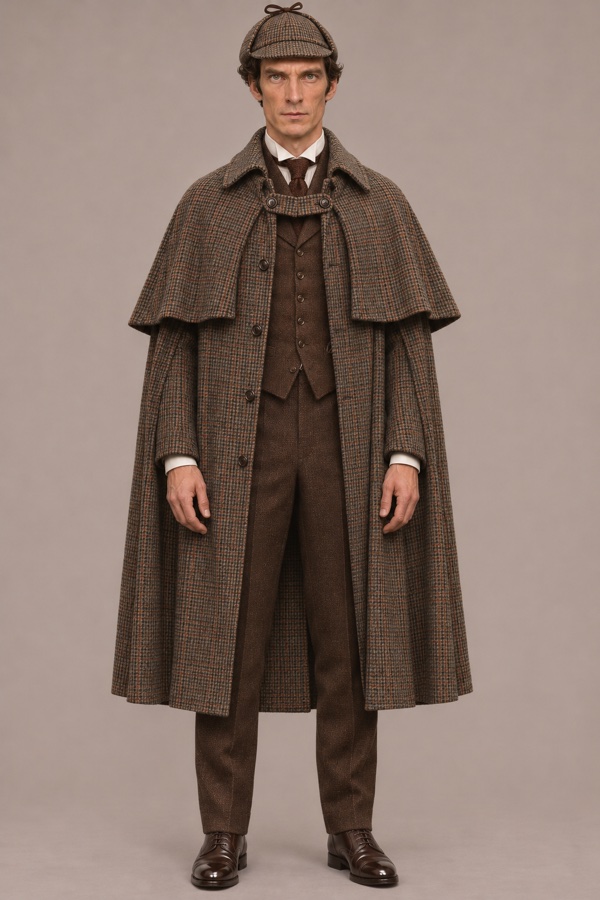
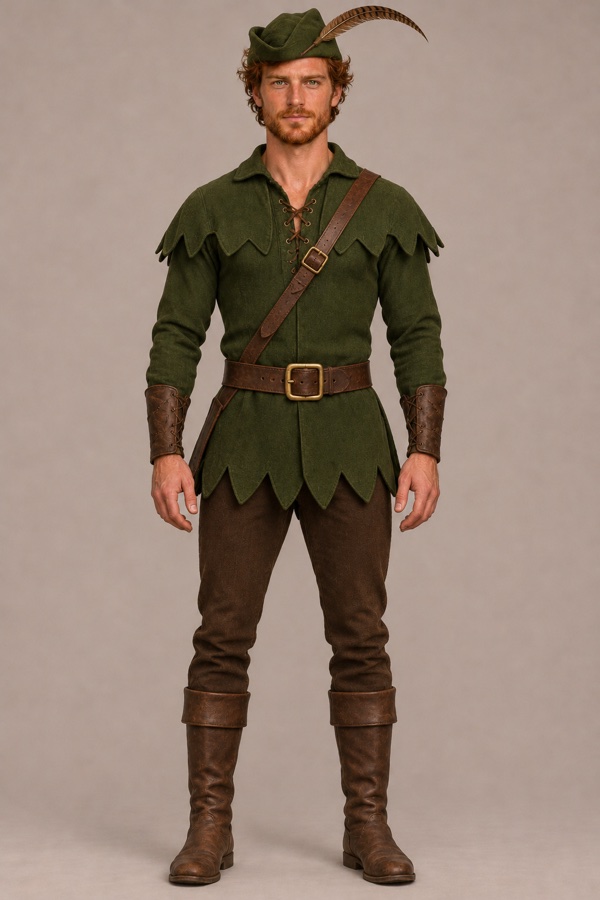
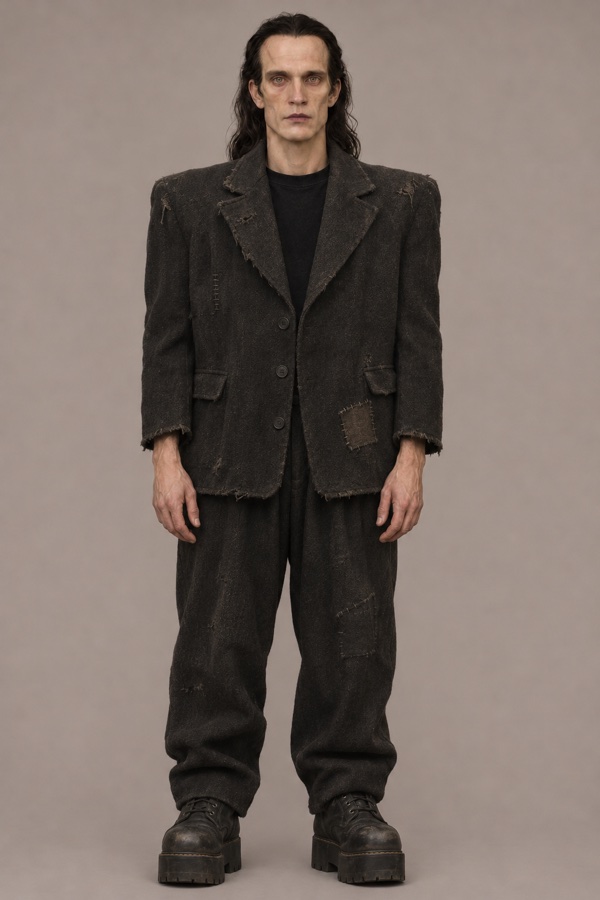
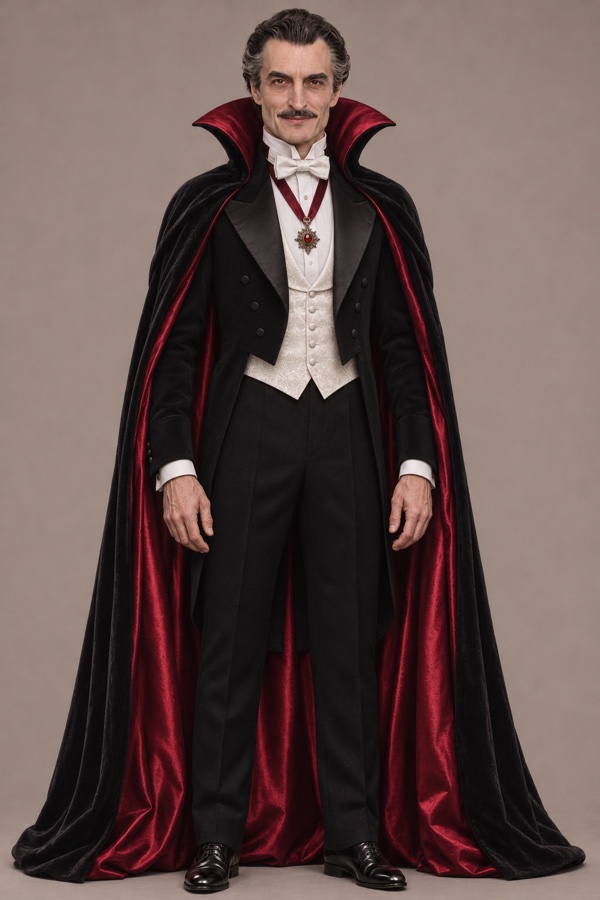
Choose Your Cast for the Outstanding Tiny Desk AI Template
The Group Performance
In the Outstanding Tiny Desk AI template, the Front singer performs behind the keyboard. Back left and Back right are the two people behind them, named from your view of the screen.
Choose three friends for this part if you want them to appear together. Check the opening shot to decide where each person belongs.
The Solo Close-up
The Close-up singer gets the solo singing, smiling, and laughing shot. This is a separate photo slot from the Front singer, so you can give this moment to someone else.
Choose a photo where their face is easy to see. Check this shot when reviewing your finished video.
The Saxophone Part
The Sax player appears in the instrument scene. The Front singer is also visible again behind the keyboard, using the photo you assigned earlier.
Your friend does not need to hold a saxophone in their photo. The template supplies the performance; your image supplies the person.
How to make an Outstanding Tiny Desk AI video
- 01
Choose photos for your Tiny Desk concert
Pick a clear photo for each person you want in the performance. Use photos where the faces are easy to see.
- 02
Add your photos to the Outstanding Tiny Desk AI template
Add your photos to Front singer, Back left, Back right, Close-up singer, and Sax player. Check the reference video to see where each person appears.
- 03
Generate and preview your Tiny Desk AI video
Start generating your Tiny Desk AI video. When it is ready, preview the performance to see your cast in the scene.
Tiny Desk AI FAQ
What is the Outstanding Tiny Desk AI trend?
The trend replaces people in Charlie Wilson's Tiny Desk performance of "Outstanding" with new faces. The RapOops template lets you choose a cast for five roles in the performance.
Can I make an Outstanding Tiny Desk AI video with my friends' photos?
Yes. Choose five photos and assign them to Front singer, Back left, Back right, Close-up singer, and Sax player. You can feature yourself and your friends in the same performance.
Do I need a Tiny Desk AI video prompt?
No. The Outstanding Tiny Desk AI template provides the scene and character replacement instructions. Add your photos to the five roles without writing a prompt from scratch.
Is Tiny Desk AI free to use?
RapOops uses credits for video generation. Check the credit cost before starting, and choose a credit pack or subscription if you need more credits.
Does the Outstanding Tiny Desk AI audio come with the video?
The template is designed to preserve the source video's original performance audio. It replaces the people on screen rather than creating a new song.
What photos work best?
Choose a clear photo with one easily visible face for each role. Good lighting and an unobstructed face make it easier to identify the person. Avoid blurry photos, heavy filters, or faces hidden by sunglasses.
Can I upload one group photo?
Prepare five separate images, one for each role. If you only have a group photo, crop each person into an individual image before uploading. Keep the whole face visible and check that each crop is still clear enough to recognize.
How long does it take to generate a video?
Video generation usually takes 8–30 minutes. You can follow your video's progress in History and preview it when it is ready.
Can I download and share my video?
You can download the finished MP4 from History. If you share it, make clear that it is an AI edit and follow the platform's rules for music and AI-generated content.
What should I do if video generation fails?
Check the task status in History. If generation is confirmed as failed or rejected, the reserved credits are released. Credits remain reserved while a task is still processing or awaiting confirmation. If the status is unclear, contact support before starting another generation.
OUTSTANDING TINY DESK AI TEMPLATE
Create Your Tiny Desk
AI Concert Video
Choose five photos and put your cast in the performance.
Create Your Tiny Desk Video