
Bulin 47
Burning Bridges AI Video Generator
Use the Burning Bridges AI template to create a Drake Burning Bridges AI video from one photo. Try a Burning Bridges meme character swap with yourself or a friend as the cup-holding lead performer.
Burning Bridges
Gangnam Style
Add your photo
Aspect ratio
Powered by MiniMax H3
 Seedance
 Kling
 Wan3
MiniMax H3KlingPreview a Burning Bridges AI Video
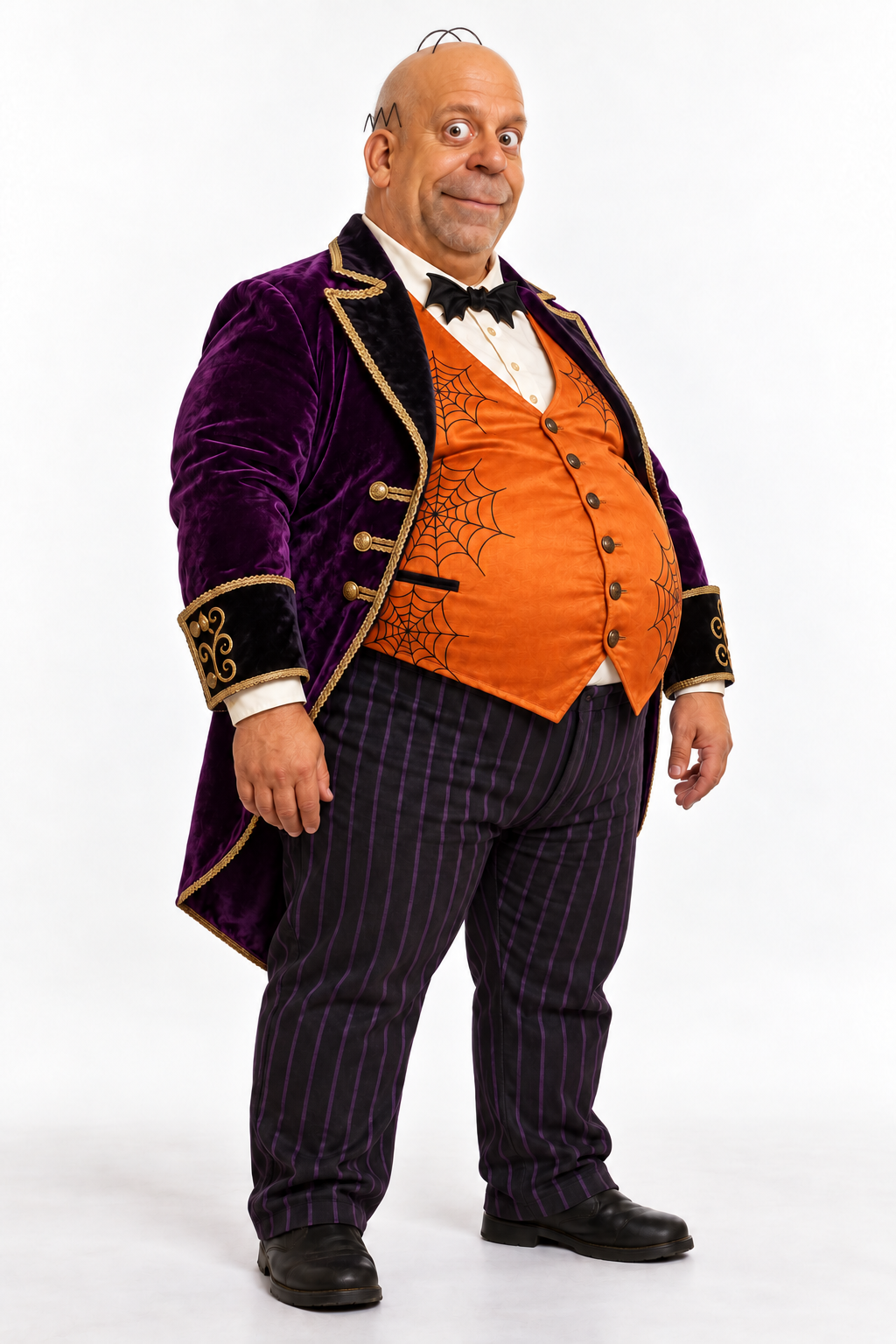
Compare the reference photo with the generated Drake Burning Bridges party clip to see how the person appears as the cup-holding lead performer.
How to Make Burning Bridges AI Video
 01
Upload Your Photo
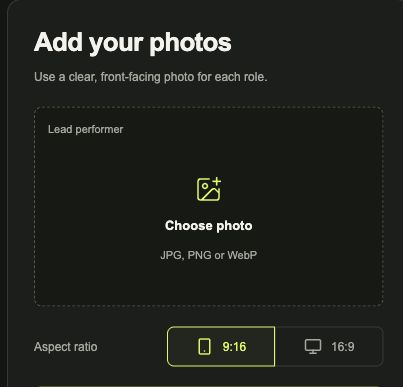
To make a Burning Bridges AI video, upload a clear, front-facing photo to the Lead performer slot. Choose yourself or a friend to replace the cup-holding performer.
 02
Check the Burning Bridges AI Template
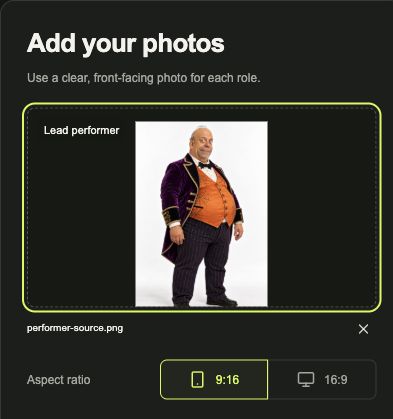
Check that the photo preview shows the person you want to use. Choose 9:16 or 16:9 before generating.
- 03
Generate and Download Your Video
Sign in and check the credit cost shown in the Burning Bridges AI video generator. Generate your clip, then preview and download it when it is ready.
Burning Bridges AI Video Generator Questions, Answered
How to Remake the Viral Burning Bridges Video Trend?
Use the Burning Bridges AI video generator on RapOops. Upload one photo to replace the cup-holding lead performer, choose 9:16 or 16:9, then generate your video. Follow the steps above for the full process.
Do I Need a Prompt to Edit Drake AI Burning Bridges?
No. You do not need to write Burning Bridges prompts on RapOops. The Burning Bridges AI video generator already includes the character replacement instructions. Upload a clear photo to the Lead performer slot.
Is the Burning Bridges AI Video Generator Free?
Generating a Burning Bridges video on RapOops costs 20 credits. Check your credit balance and the cost shown before you generate.
Can the Burning Bridges Meme Character Swap Replace Two People?
This template replaces one person: the cup-holding lead performer in the party scene. Use one photo of yourself or a friend. For a video featuring two replacement performers, choose Hotel Lobby.
Which Photo Should I Use for the Burning Bridges AI Template?
Choose a clear, front-facing photo of the person you want as the party’s lead performer. Keep the face visible without sunglasses or other obstructions. Upload a JPG, PNG or WebP file up to 10 MB.
Does the Burning Bridges AI Template Support 16:9 and 9:16?
Yes. You can generate the party clip in either 16:9 or 9:16. Select the aspect ratio in the tool before submitting your photo for generation.
When Will My Burning Bridges AI Video Be Ready?
Generation typically takes 8 to 30 minutes. Open your generation history to check the task’s progress. Once the video is ready, you can preview your character replacement and download the clip.
Will I Get My Credits Back If the Burning Bridges AI Video Fails?
Reserved credits are returned when the task is confirmed as failed. If your Burning Bridges video is still processing or being checked, wait for its final status before submitting again. A completed result that does not match your preferences does not automatically qualify for a credit return.
Will My Burning Bridges Photo or Generated Clip Be Published?
RapOops does not automatically publish the photo you upload or your generated party clip in a public gallery. Your photo is shared with AI processing services when you submit the generation. Keep your photo and video links private.
BURNING BRIDGES AI TEMPLATE
Remake Burning Bridges
with Your Photo
Upload one photo and step into the party as the cup-holding lead performer.
Create Your Burning Bridges Video